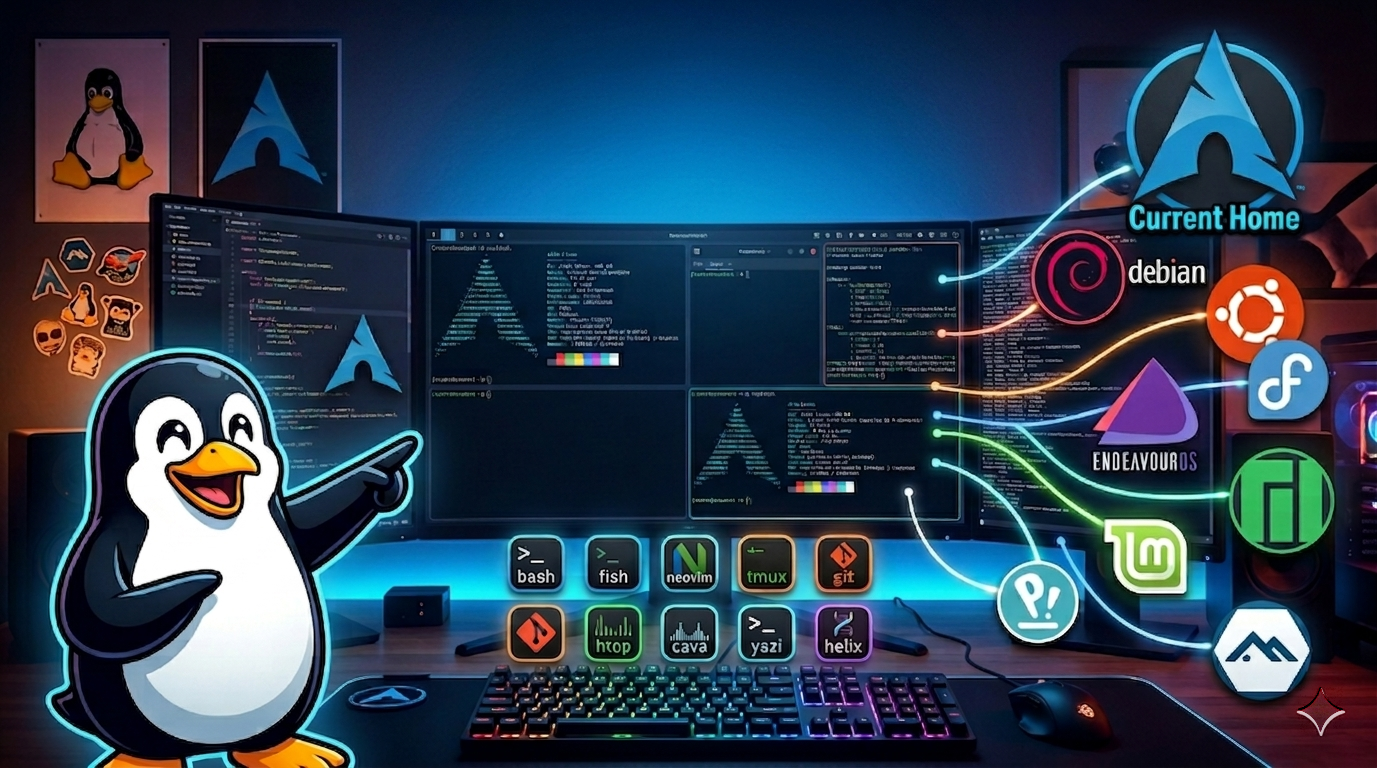
Arch Linux Deep Dive
Custom Arch Linux development environment built from scratch with Hyprland compositor, extensive Neovim IDE configuration, and comprehensive dotfiles management
The Breaking Point
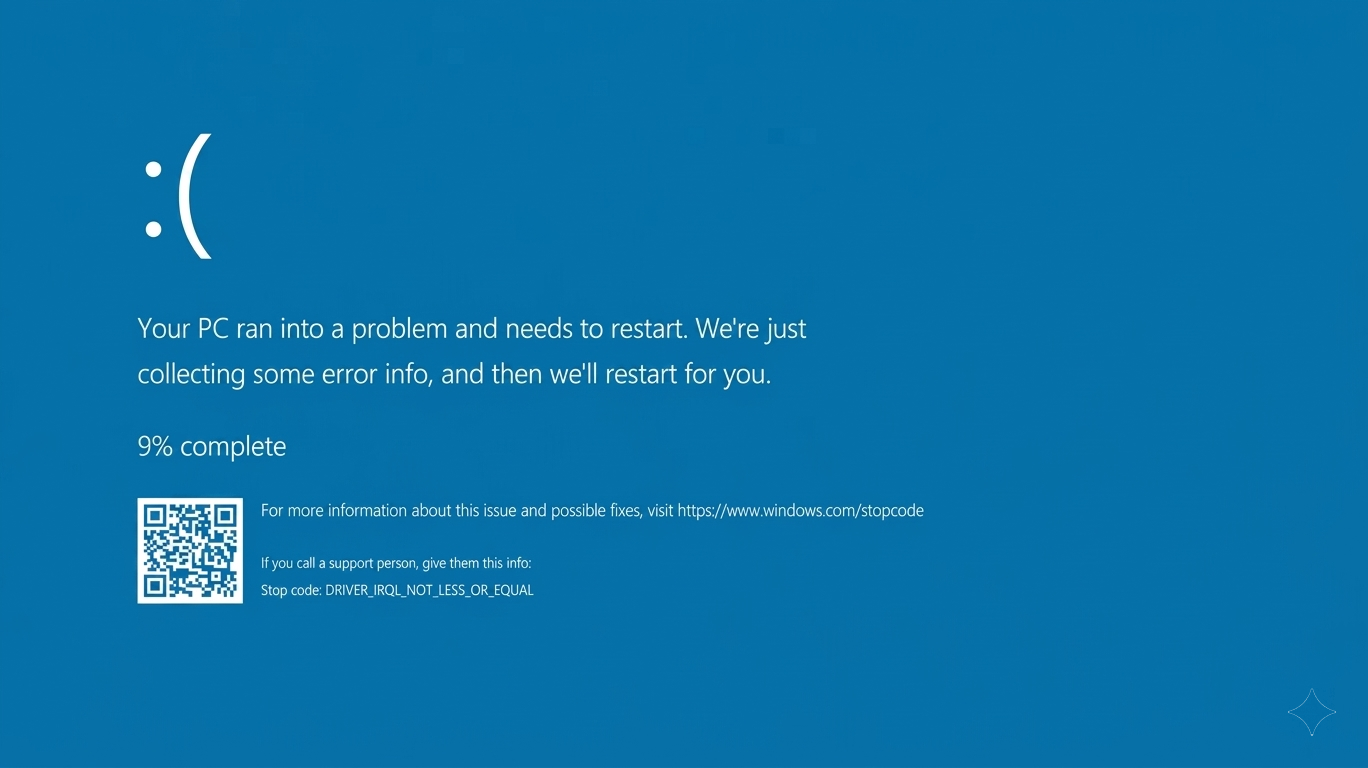
About two years ago, Windows finally pushed me over the edge. It wasn't one thing—it was everything. Bluescreens once a week. System Explorer freezing my entire computer. The moment I wanted keybinds to open specific applications and realized Windows couldn't do it natively. The moment I wanted more than pressing the Windows key and picking from that terrible start menu search.
I'd already spent countless hours making Windows work through sheer force of configuration—PowerToys, AltDrag, AutoHotkey scripts for global keybindings. I even implemented my own emacs-style movement bindings system-wide before I'd ever touched Emacs or Vim. But these were all hacks fighting against the OS.
I wanted the real thing. I wanted to understand how an OS actually works. And honestly, I was tired of the telemetry, the bloat, the feeling that my computer wasn't really mine.
Going Straight to Arch
I skipped the beginner distros entirely. Manual Arch installation from the wiki, minimal base system, build everything from there. People said it was crazy for a first Linux install, but my Windows configuration experience taught me I learn best by understanding every layer—if I was going to do this, I wanted to actually understand what was happening underneath.
The installation itself was a learning experience. Partitioning with fdisk, formatting filesystems, installing the base system with pacstrap, generating fstab, chrooting into the new system. Each step required understanding rather than clicking 'Next'.
The Pentaboot Nightmare (Worth It)
My first month was chaos. I set up a pentaboot system: Arch as my main, a second Arch partition for testing and breaking things safely, Ubuntu to understand the Debian ecosystem, Debian for comparison, Linux Mint XFCE to see what a "beginner" distro felt like, and Windows for Office when absolutely necessary.
Getting this working meant reinstalling GRUB probably 20+ times per partition. Not an exaggeration. Each distro wanted to overwrite the bootloader, partitions needed specific flags, UUIDs had to be correct in every config. By the end I had a nice GRUB theme and actually understood how bootloaders work. Worth the pain.
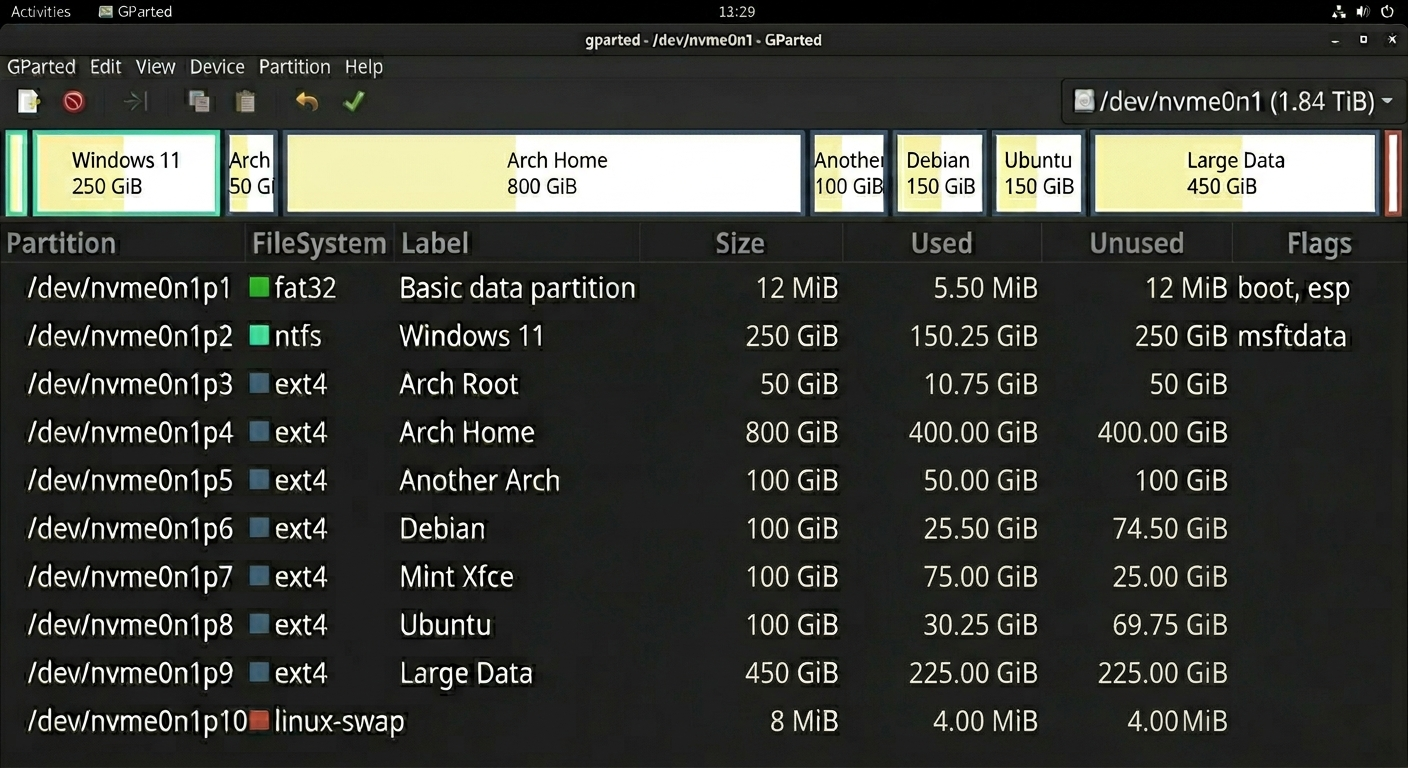
Same hardware, different philosophies. It became obvious quickly that Arch's approach—explicit configuration, rolling releases, the wiki as documentation—matched how I think about systems. The "beginner" distros felt like they were hiding things from me.
Hyprland: My First Tiling WM
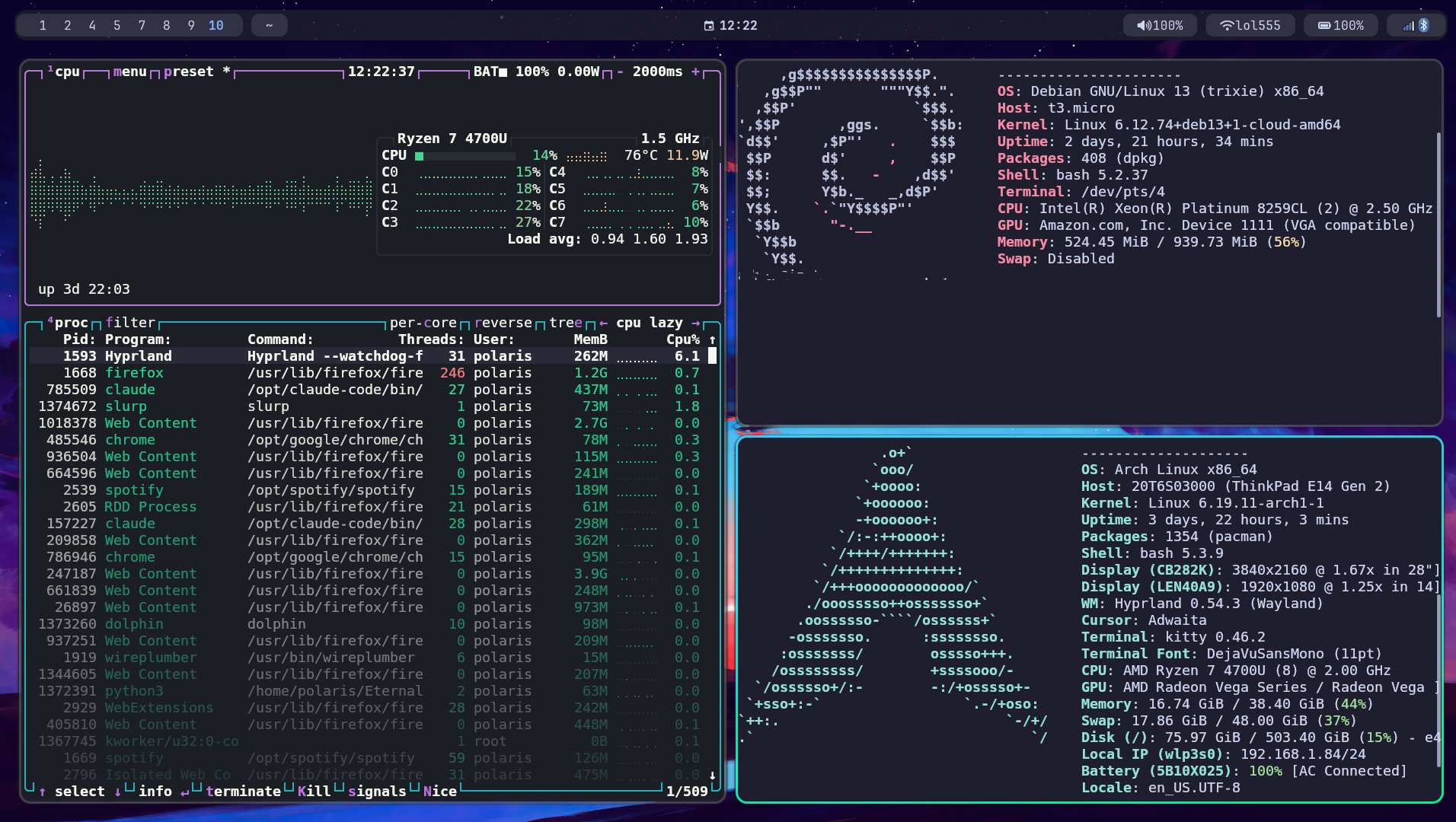
Hyprland wasn't a migration from i3 or bspwm—it was my first tiling window manager. But the concept wasn't new. All those AutoHotkey scripts on Windows? They were building toward keyboard-driven workflows. FancyZones for pseudo-tiling, custom hotkeys for everything. I didn't want a "normal" window manager. Hyprland was just doing it properly.
Going straight to Wayland meant learning the modern stack from day one. Screen sharing needed portal configs, clipboard worked differently, some apps needed workarounds. But I was building from scratch anyway—no X11 habits to unlearn later.
The config grew to hundreds of lines: window rules for floating specific applications, workspace assignments, animations tuned for responsiveness over flash, keybindings designed around muscle memory from my Windows days. The entire system controllable without a mouse.
VS Code to Neovim
On Windows, I used VS Code for a long time. It worked, but I couldn't get into flow. I kept implementing global hotkeys through AutoHotkey—emacs-style bindings mixed with custom shortcuts for everything. Ctrl+F for forward, Ctrl+B for back, working across Discord, Slack, Office, VS Code itself. This was before I'd ever used Emacs or Vim. I just kind of landed on those movement patterns naturally from programming.
When I moved to Linux, I tried Neovim and something clicked. The workflow between terminal, Yazi, and Neovim just made sense. Everything scriptable with Lua instead of fighting JSON settings. VS Code works out of the box—I'll give it that—but it's not scriptable with LuaJIT, not as powerful, not as integrated with the terminal workflow.
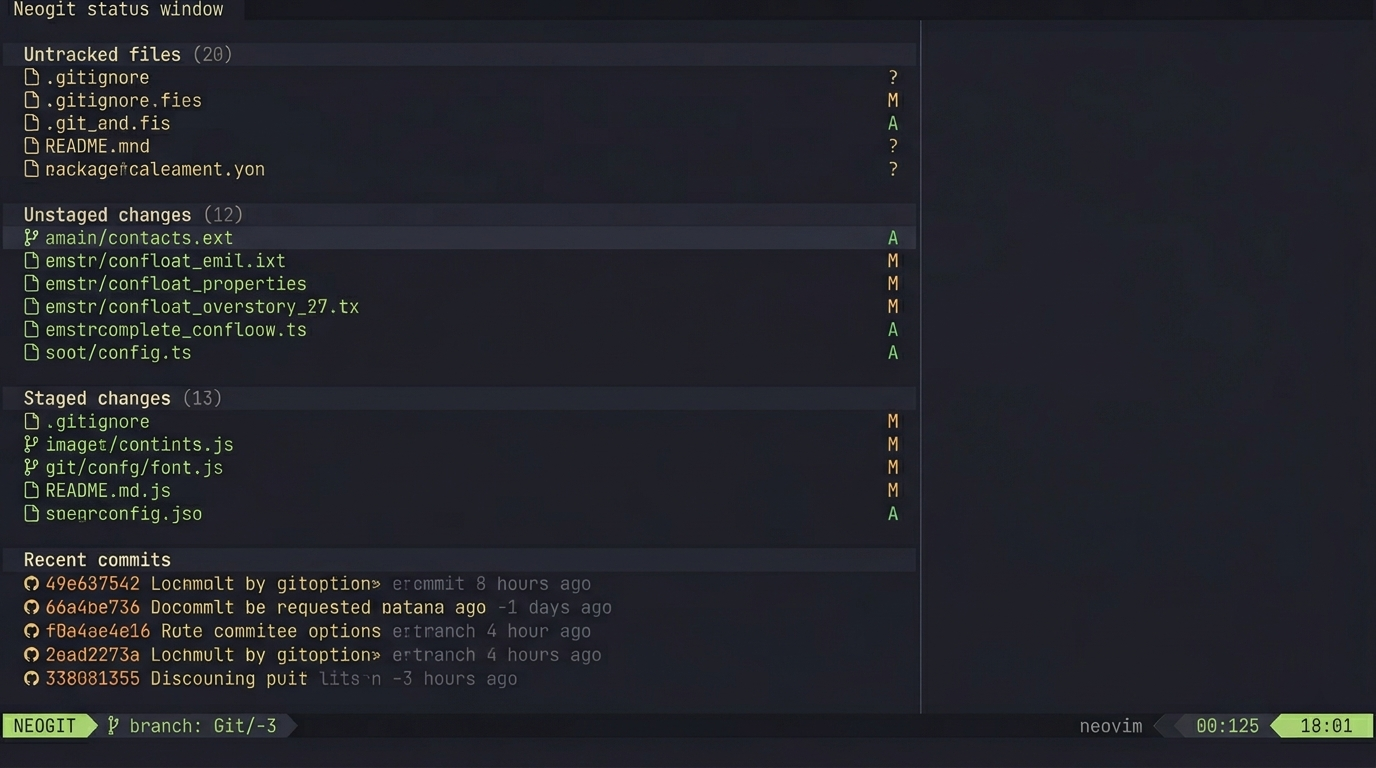
My keybinding philosophy: everything reachable without leaving home row. Leader key combinations that make sense mnemonically. <leader>ff for find files, <leader>fg for find grep, <leader>gg for git. Neogit handles Git operations without leaving the editor—visual staging, interactive rebase that doesn't feel like editing a TODO file. Combined with Diffview for side-by-side diffs, the entire Git workflow lives in Neovim.
Practical Workflow Over Ricing
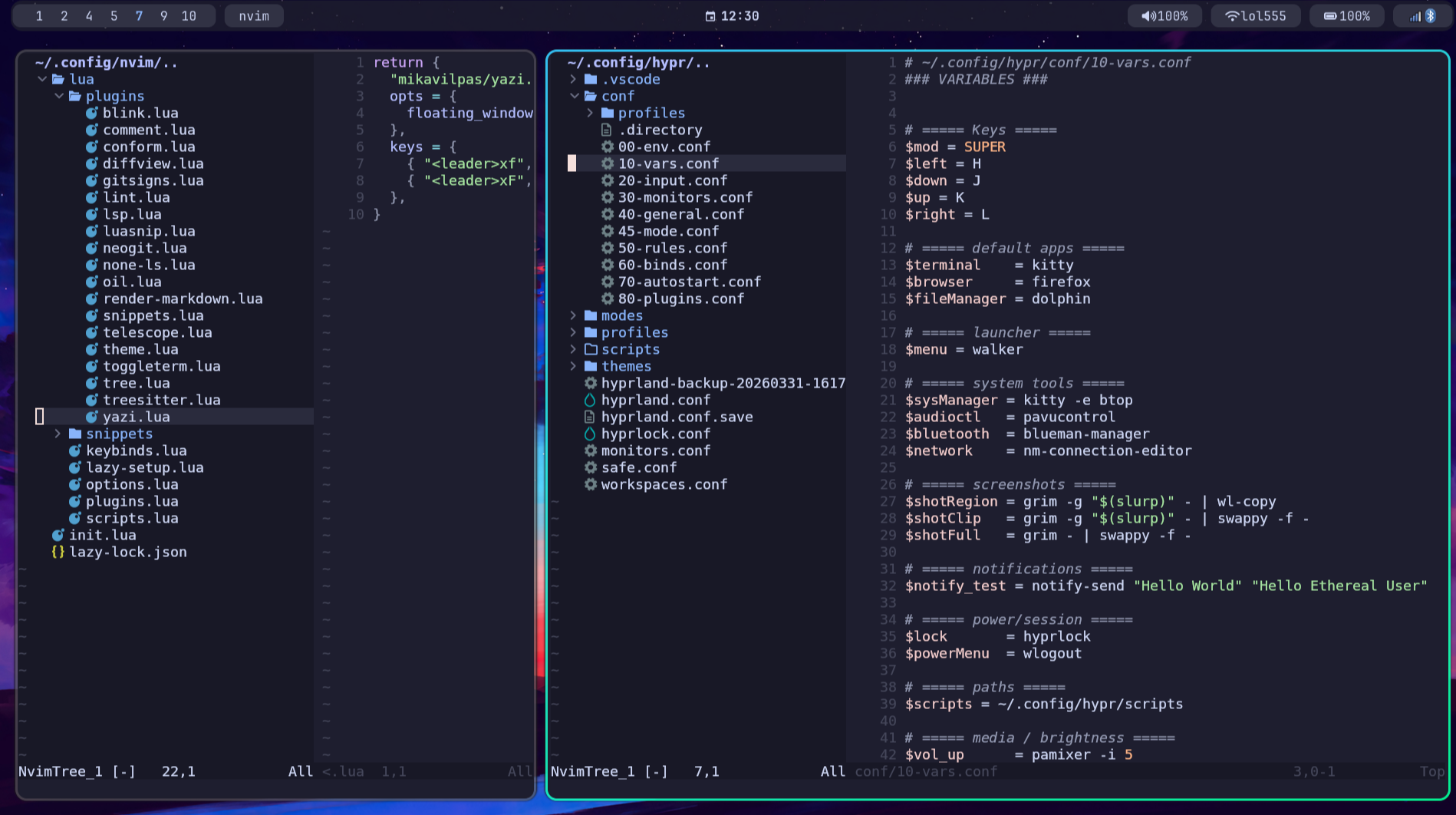
I've spent countless hours on this setup, but more on building a practical workflow than pure ricing. The goal was never screenshots for r/unixporn—it was a development environment where everything flows together.
- Walker for launching anything without touching the mouse
- Telescope for fuzzy finding files and grepping across projects
- Yazi for visual file browsing when I need to explore (miss Directory Opus sometimes)
- tmux for persistent sessions and splits
- Zsh as my main shell with custom config (Bash on some partitions)
- Waybar showing only what matters
The dotfiles repo is the single source of truth. Shell configs, Neovim, Hyprland, systemd user services—everything version controlled and portable.
What I Actually Learned
The biggest gain wasn't the desktop environment—it was understanding how computers actually work. Linux runs on basically every server. Learning it meant learning devops, cloud infrastructure, networking, deployment. Docker works so much better natively than through WSL. No more pretending I'm on Linux through a compatibility layer.
I learned how the OS is actually built and used. Package management with pacman and the AUR. Systemd for services and timers. How the graphics stack works. Filesystem permissions that make sense. The stuff that actually matters when you're deploying real applications.
What Transferred
All that time configuring Windows wasn't wasted. The skills transferred directly—understanding systems deeply, scripting automation, building keyboard-driven workflows. Linux just lets me do it properly instead of fighting the OS at every step.
Do I miss anything? Directory Opus was incredible for file management—nothing on Linux quite matches it. Some proprietary tools don't have good alternatives. But the tradeoffs are worth it. Two years of breaking things and fixing them taught me more than tutorials ever could. When something breaks now, I know where to look. This environment is exactly what I want it to be.
 Neovim